Flagship Program
Graphic Design Masterclass
Complete curriculum: 25 theory, 45 Photoshop, 40 Illustrator, and 30 InDesign modules. Explore every topic through our interactive learning system.
140+
Modules
95%
Placement Rate
10+
Portfolio Projects
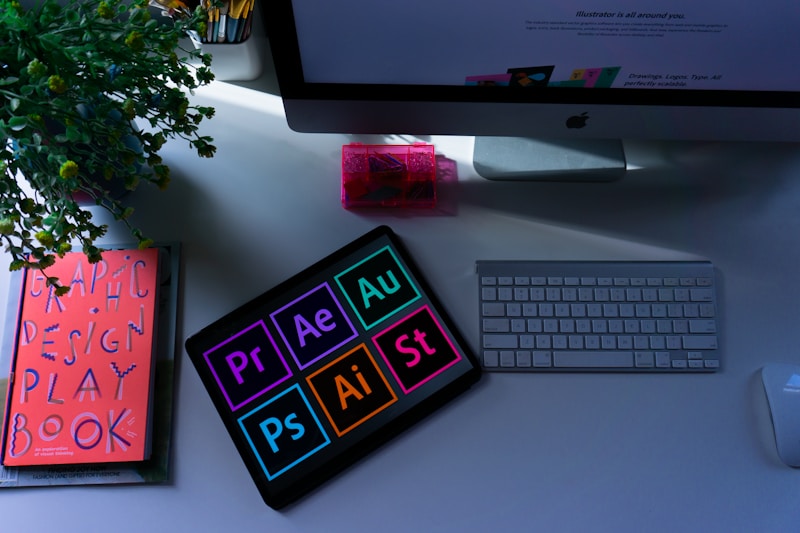
Adobe Certified
Creative Suite Mastery
Why Choose Us
Key Advantages
Industry-recognized training with comprehensive support
Certified Program
Industry-recognized certification
95% Placement
Dedicated placement assistance
Portfolio Building
10+ professional projects
24/7 Support
Expert mentorship
Comprehensive Learning
Course Curriculum
140+ modules across theory and software applications
Theory
25 modules
Photoshop
45 modules
Illustrator
40 modules
InDesign
30 modules
Graphic Design Theory
25 modules
Design principles
Elements of design
Composition fundamentals
Color theory basics
Color psychology
Advanced color schemes
Typography fundamentals
Type classification
Typography hierarchy
Kerning & leading
Logo design principles
Logo types
History of design
Bauhaus & modernism
Visual hierarchy
Grid systems
Layout & spacing
Gestalt principles
Semiotics in design
Psychology of shapes
Mood boards
Design ethics
Critique & feedback
Industry trends
Portfolio strategy
Adobe Photoshop
45 modules
Interface overview
Workspace setup
Layers deep dive
Layer masking
Blending modes
Selections & channels
Pen tool mastery
Brush engine
Retouching tools
Frequency separation
Dodge & burn
Color correction
Curves & levels
Adjustment layers
Smart objects
Filters & effects
Layer styles
Text & typography
Mockup creation
Social media graphics
Web banners
Photo compositing
Advanced masking
Actions & batch processing
3D in Photoshop
Export for web
Print preparation
Camera raw filter
Perspective warp
Content-aware fill
Digital painting
Texture creation
Adobe Illustrator
40 modules
Vector vs raster
Interface & panels
Artboards
Basic shapes
Pen tool mastery
Curvature tool
Pathfinder
Shape builder
Image trace
Brushes & symbols
Pattern creation
Gradient & blends
Mesh tool
Typography tools
Type on path
Envelope distort
Logo design
Icon design
Infographics
Data visualization
Perspective grid
3D & materials
Effects & appearances
Graphic styles
Symbols & instances
CC libraries
Actions & shortcuts
Recolor artwork
Asset export
Print ready files
Packaging design
Character styles
Paragraph styles
Adobe InDesign
30 modules
Interface & workspace
Document setup
Master pages
Layers & objects
Pages panel
Text frames & threading
Character styles
Paragraph styles
GREP styles
Nested styles
Tables & formatting
Image placement & links
Effects & transparency
Color swatches
Preflight & packaging
Interactive PDF
Buttons & forms
Hyperlinks & bookmarks
Magazine layout
Brochure design
Booklet printing
Table of contents
Indexing
Books & chapters
Export for web & epub
Adobe Fonts
Grids & guides
Baseline grid
Liquid layouts
Alternate layouts
Industry Standard
Software Mastery
Essential tools for professional designers
Photoshop
45 modulesIllustrator
40 modulesInDesign
30 modulesReady to start?
Join 800+ students who've transformed their careers with our Graphic Design Masterclass
800+
Students
95%
Placement
140+
Modules